Entruno

PDF & EXCEL, BESIDE YOUR WORK

Files to forms.
Forms to files.

Your records already exist. Give them a new home.

Move PDF and Excel records into supported website forms.
Or take website records with you as Excel and PDF.

Chrome Web Store release in preparation. Team account required.

01 / FILES → WEBSITE

Choose a file.
Let your records move.

Upload a PDF, Excel file or readable English scanned register. Entruno matches supported fields and saves records one by one, using your website sign-in.

  • Include selected photos and supporting files.
  • Get help for missing or uncertain information.
  • Continue safely after supported interruptions.
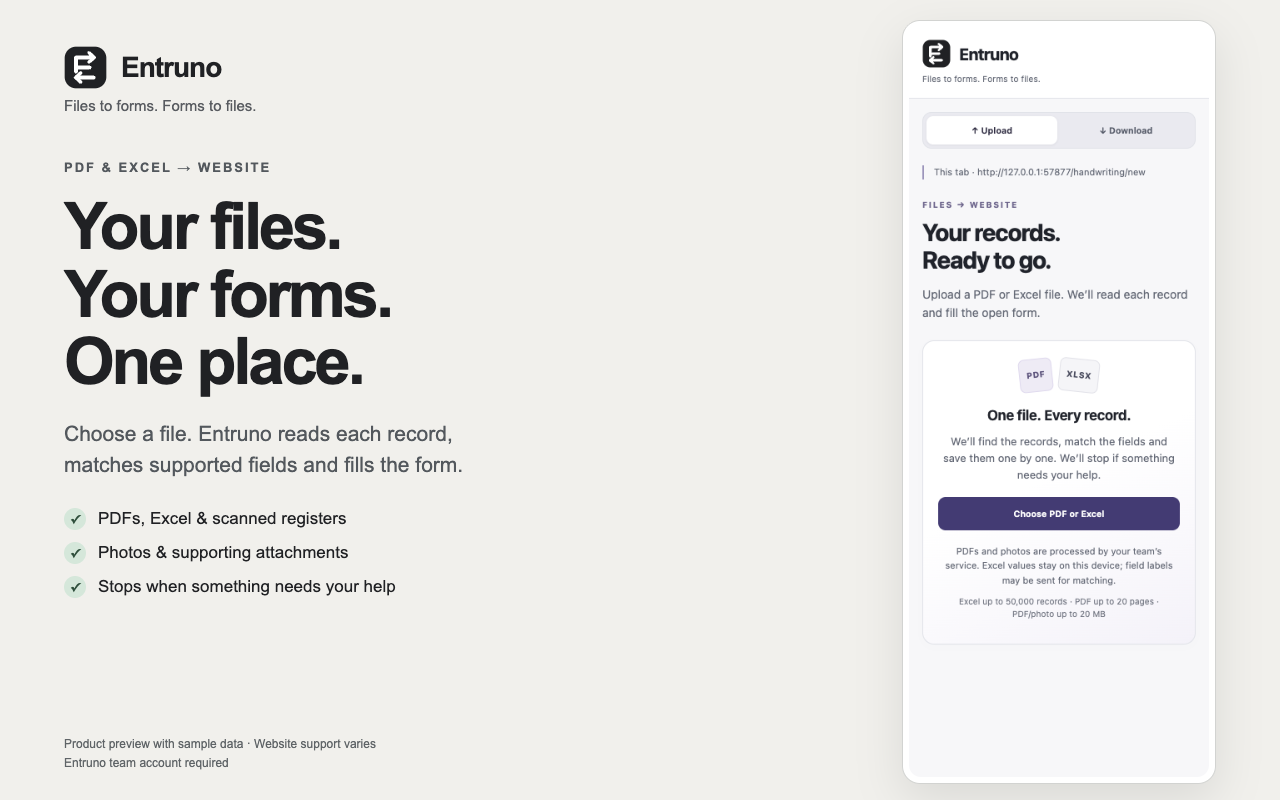
Entruno Upload screen: choose PDF or Excel beside your website form

02 / WEBSITE → FILES

Read. Collect.
Take it with you.

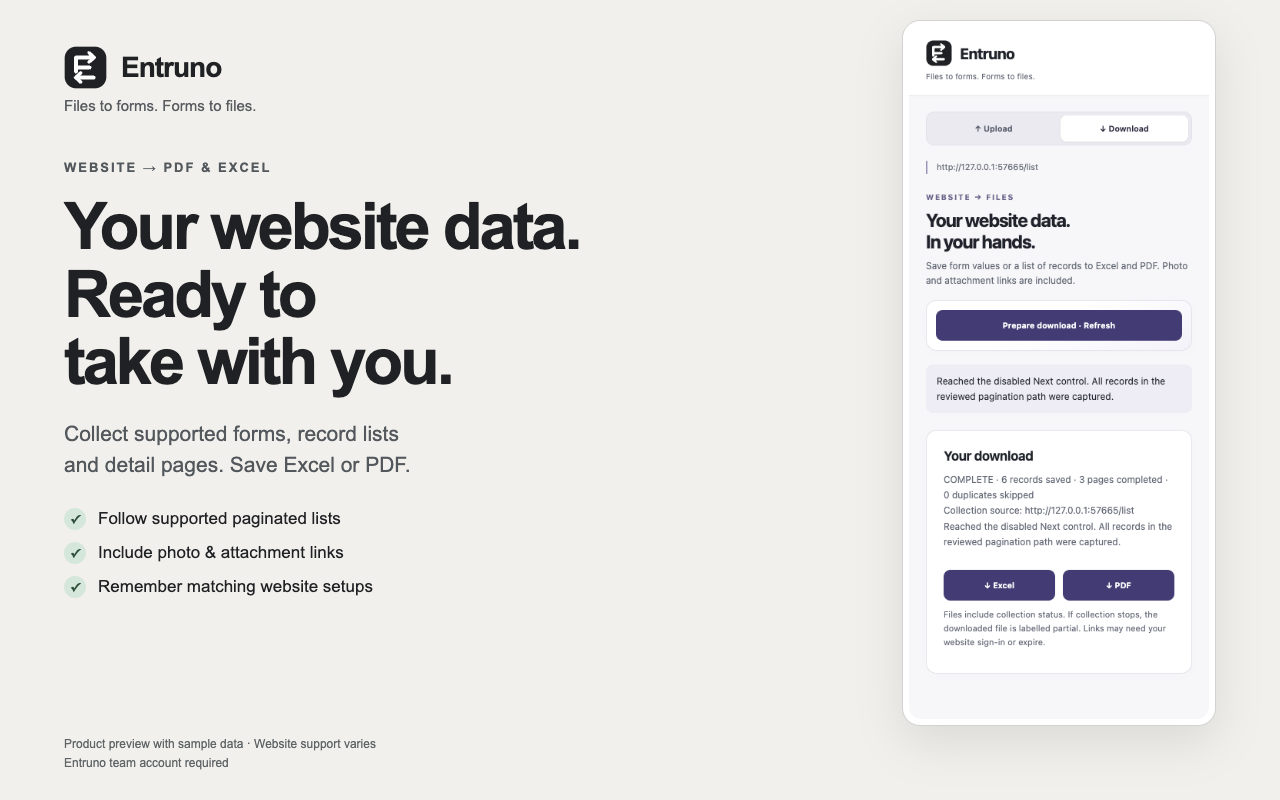
Download a populated form, or collect supported record lists across pages and detail forms. Save Excel or PDF with available photo and attachment links.

  • Reuse matching website setups.
  • Read fresh record values on every collection.
  • Keep each job with the tab where you started.
Entruno Download screen with Excel and PDF export controls

A LITTLE CLARITY BEFORE YOU START

Built for supported websites.
Clear when help is needed.

Your team, connected once

Cloud document reading and automatic website planning need an administrator-provided Entruno team account and configured team service. Public self-signup is not available yet.

Your data, deliberately handled

PDFs and photos selected for cloud reading go to your configured team service. Ordinary Excel values stay local during field matching; labels may be sent for matching. Submitted records go to your chosen website.

Check the results

Website support and recognition accuracy vary. CAPTCHA, OTP, inaccessible frames and unsupported controls require manual help. Verify your source and saved results. Attachment links may expire or need sign-in.

Less copying.
More getting things done.

Talk to the team

Chrome 125 or later on desktop.